No. 04Monocraft Service OS

For on-site service businesses

Your business, with its own website, bookings and customer system.

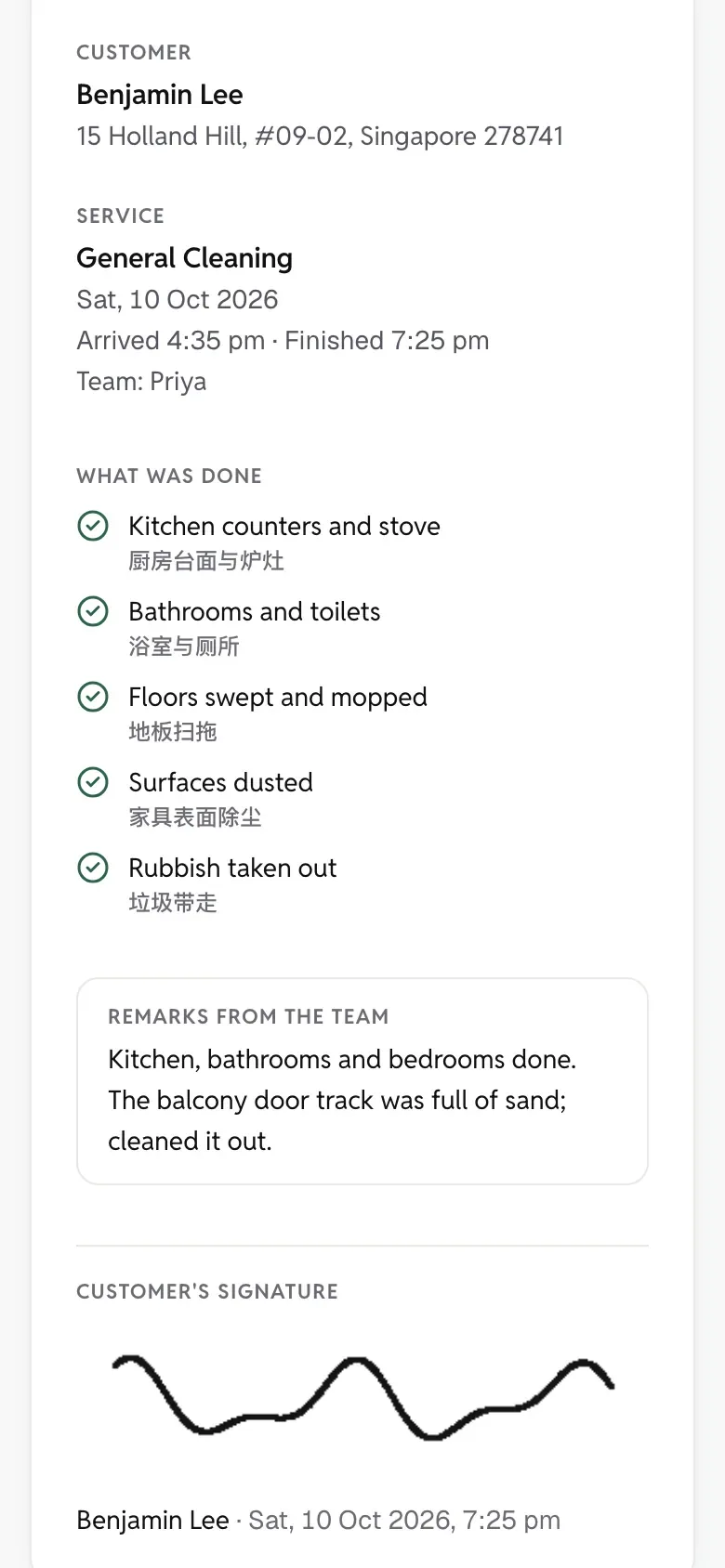
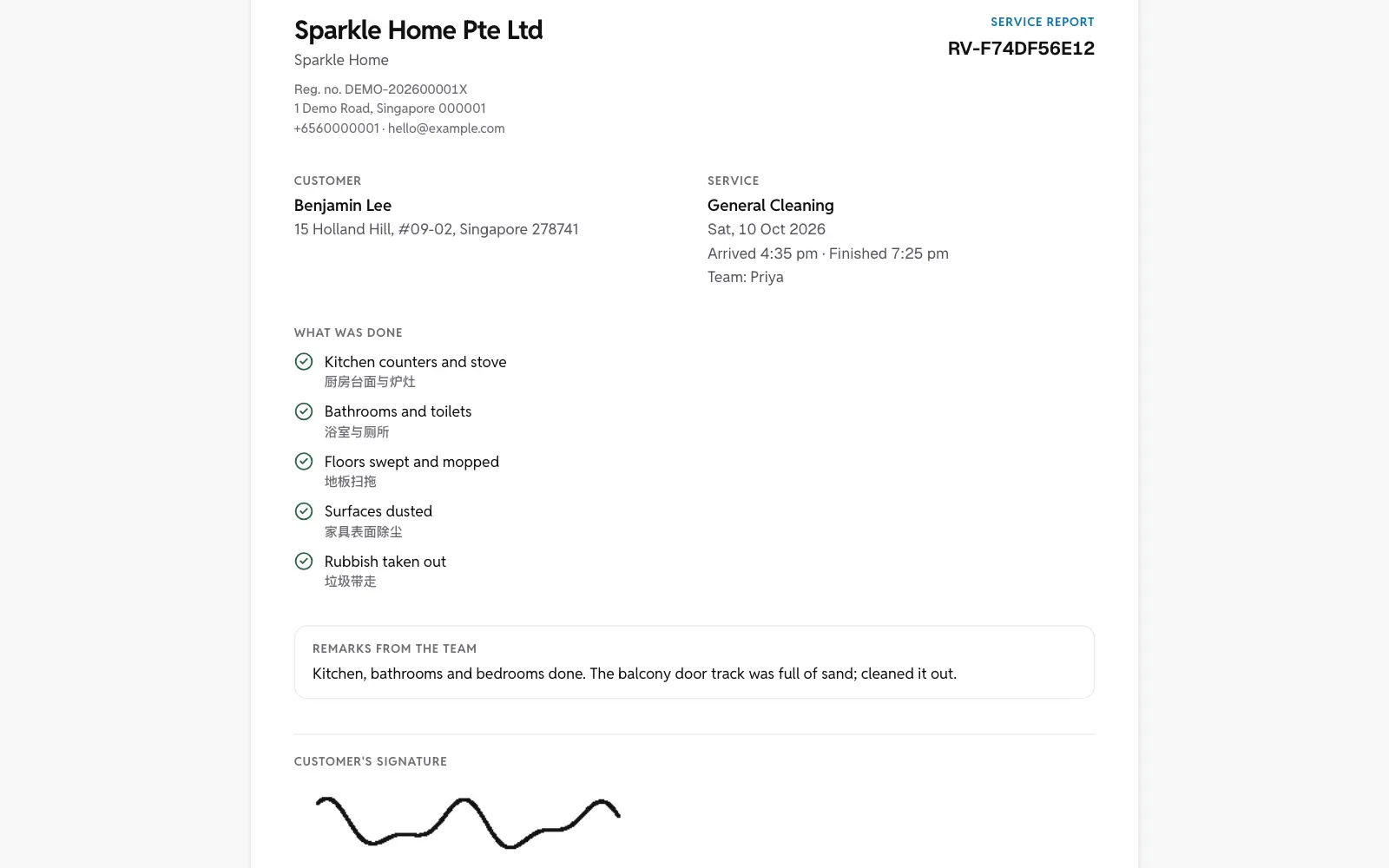
Customers book and pay a deposit on your own web address. Regular clients keep the same cleaner on a repeating schedule. When a job is done, the photos, checklist and the customer’s signature go out as a report.

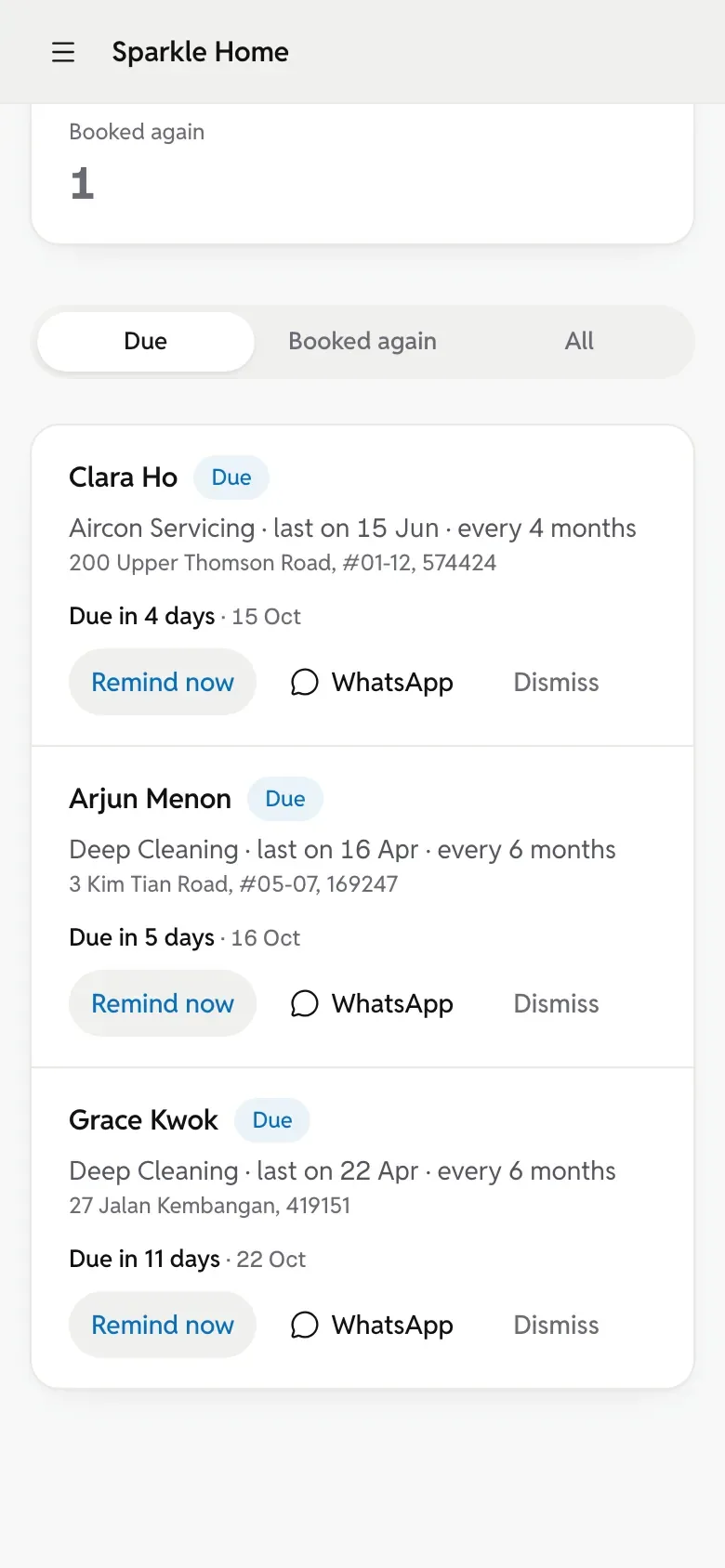
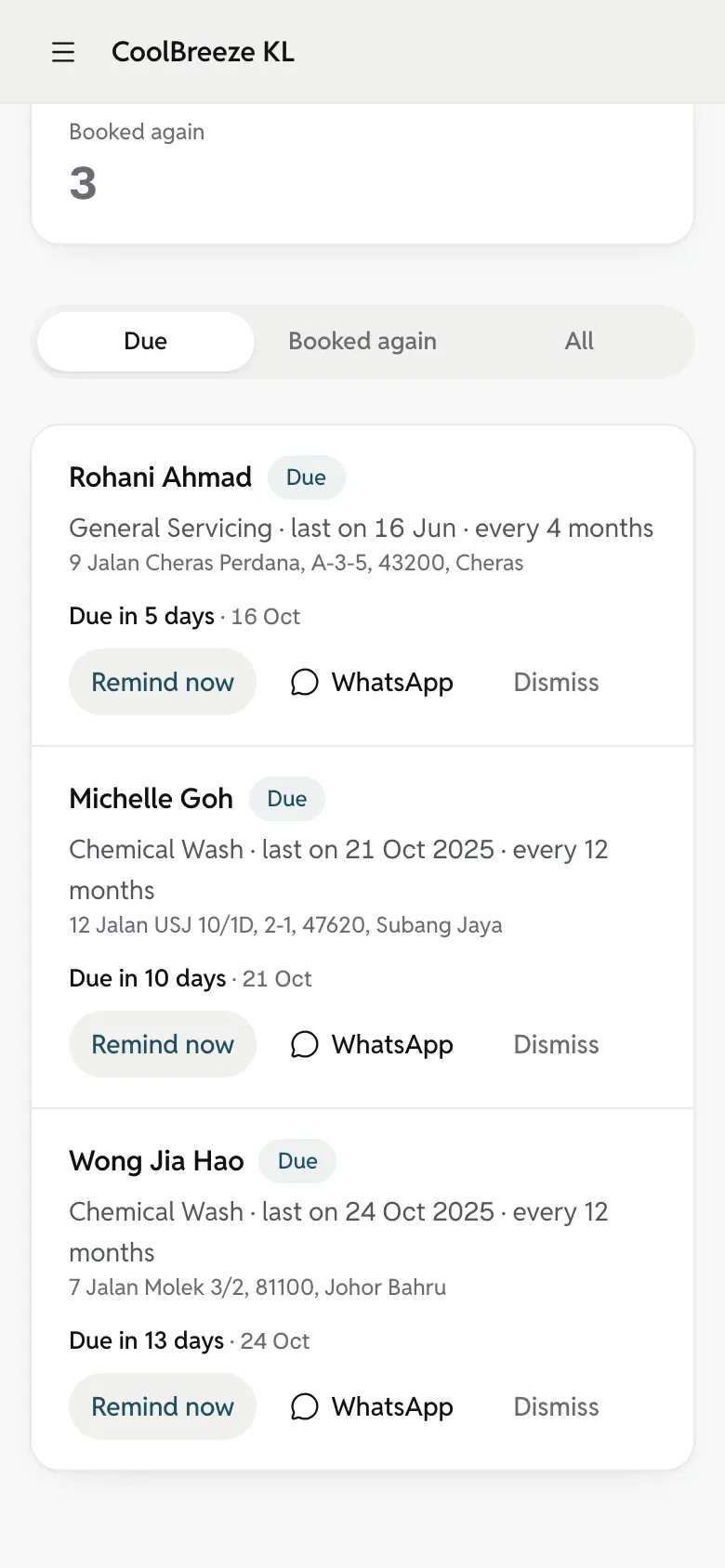
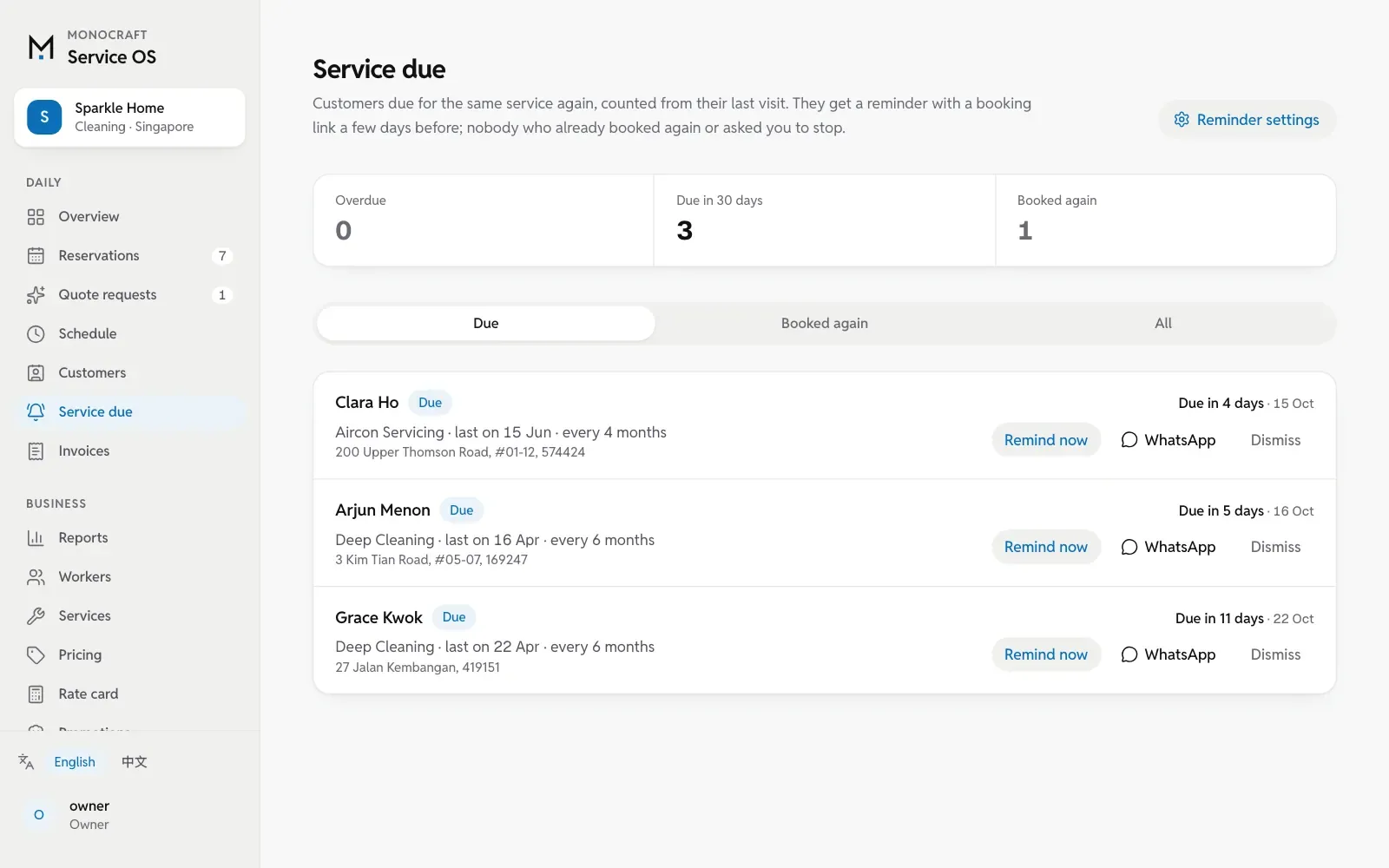
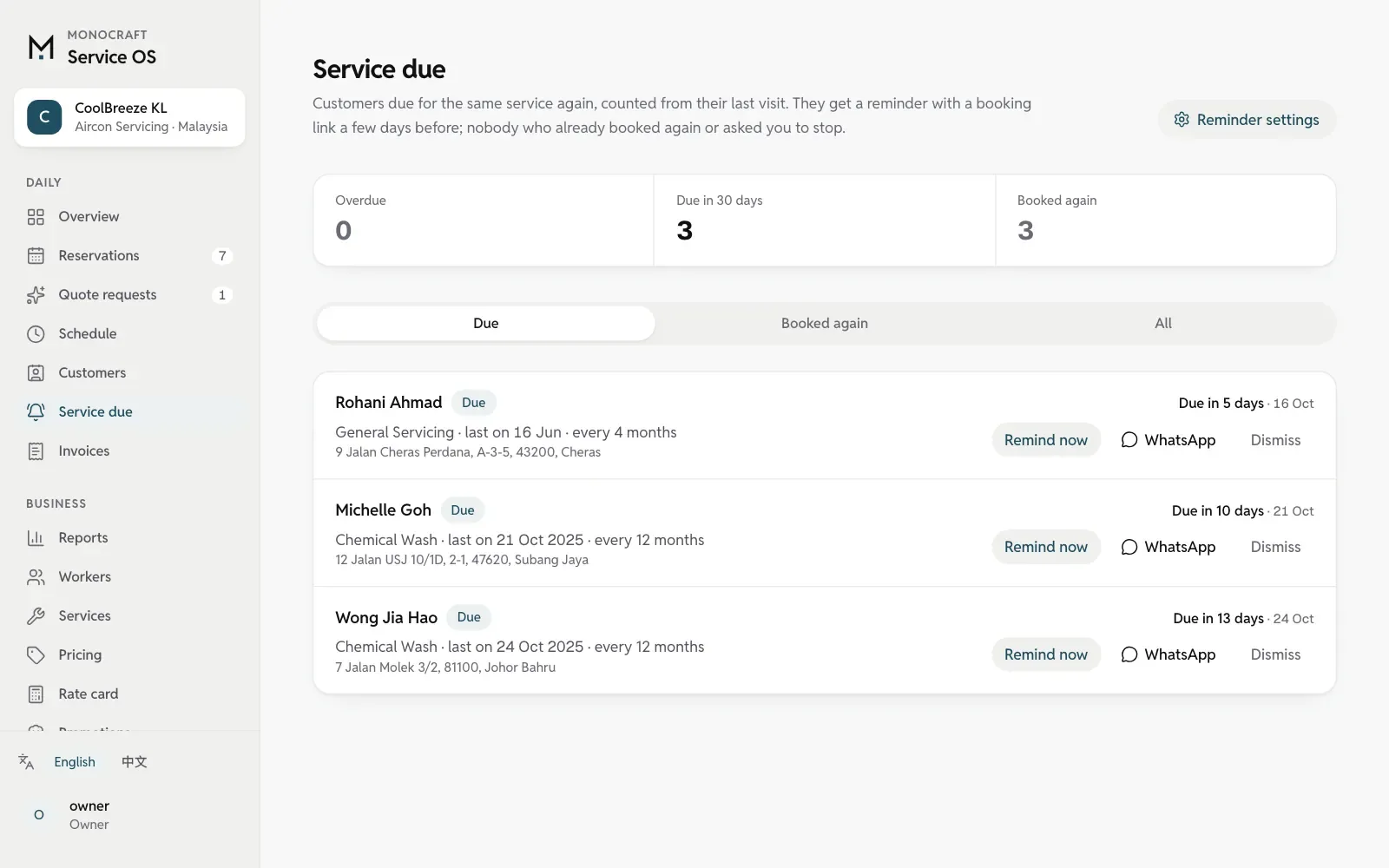
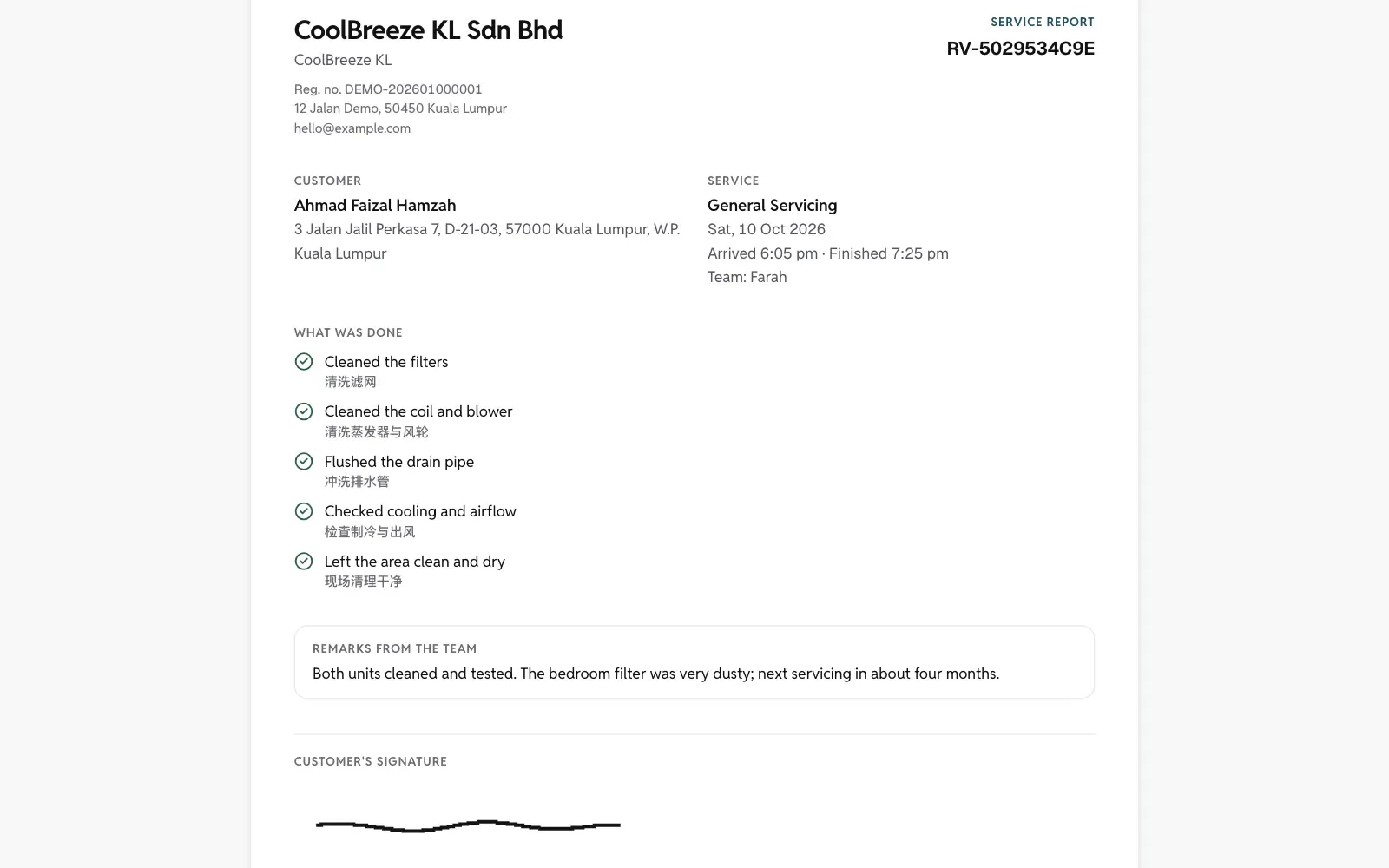
Customers book on your own web address. When servicing is due, a reminder goes out in your name with a link to book again. Every visit, report and invoice stays in the customer’s history.

  • Online booking, jobs on your team’s phones
  • Reminders bring regular customers back
  • Your name on the web address and invoices

Founding clients open 15 minutes on how you work today. If it’s not a fit, we’ll say so.

Examples for
Prices in
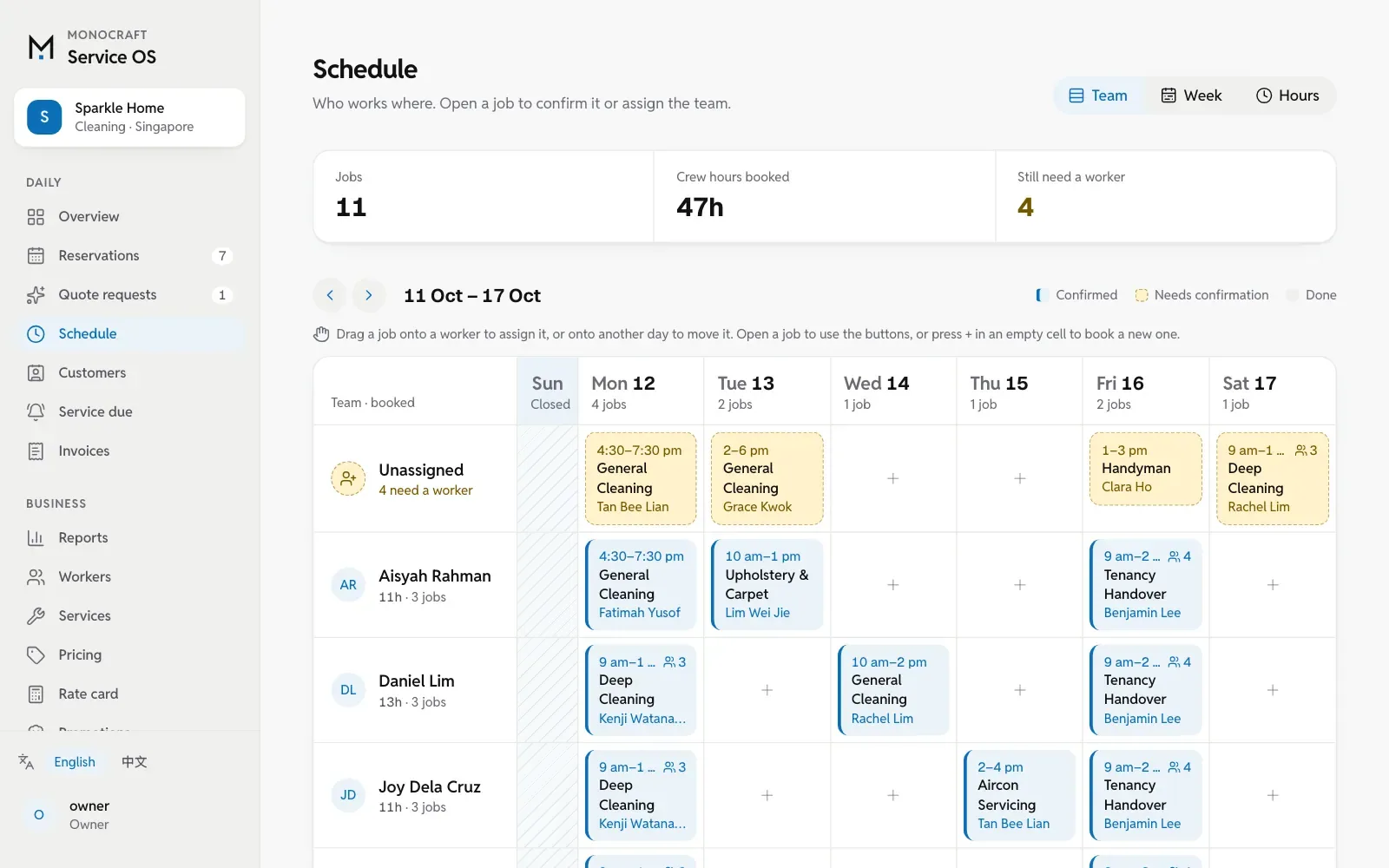
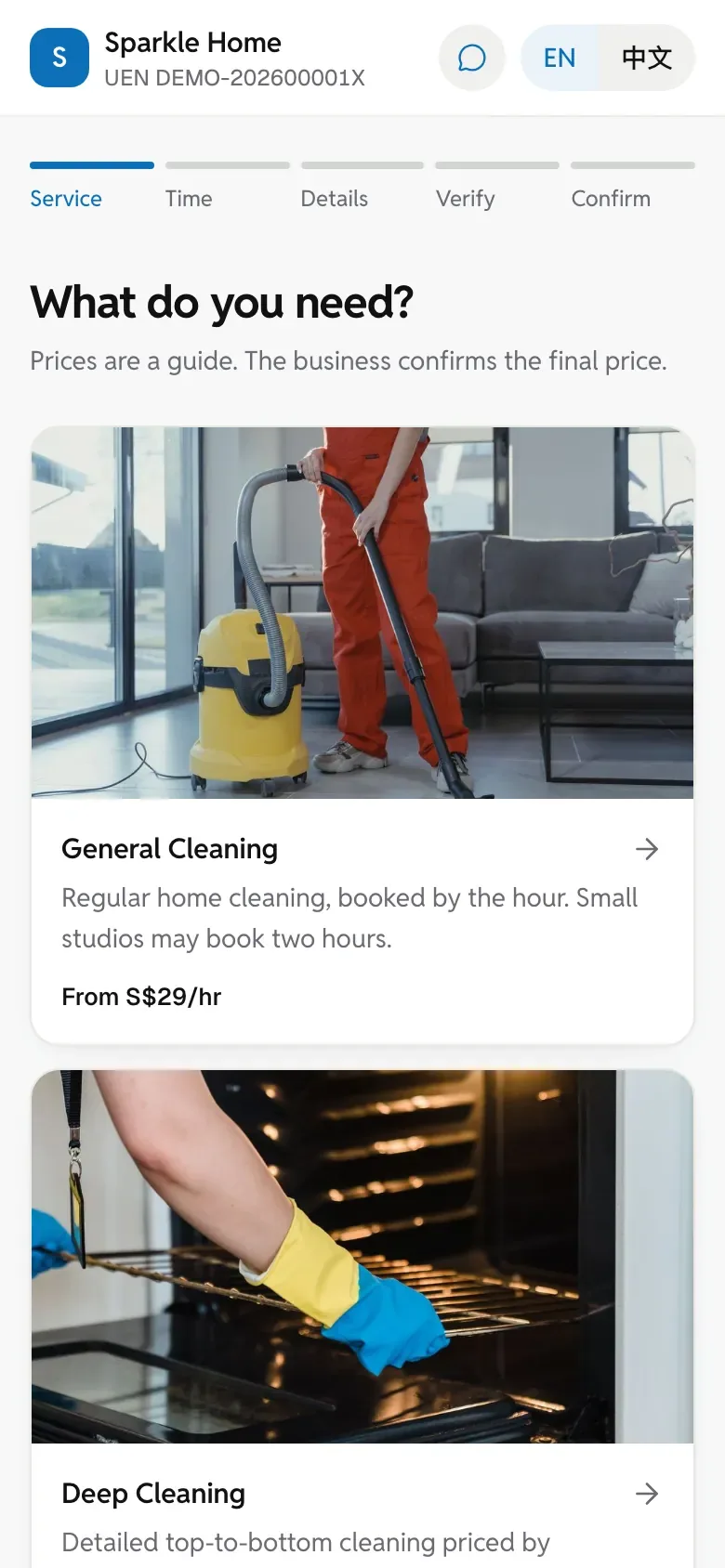
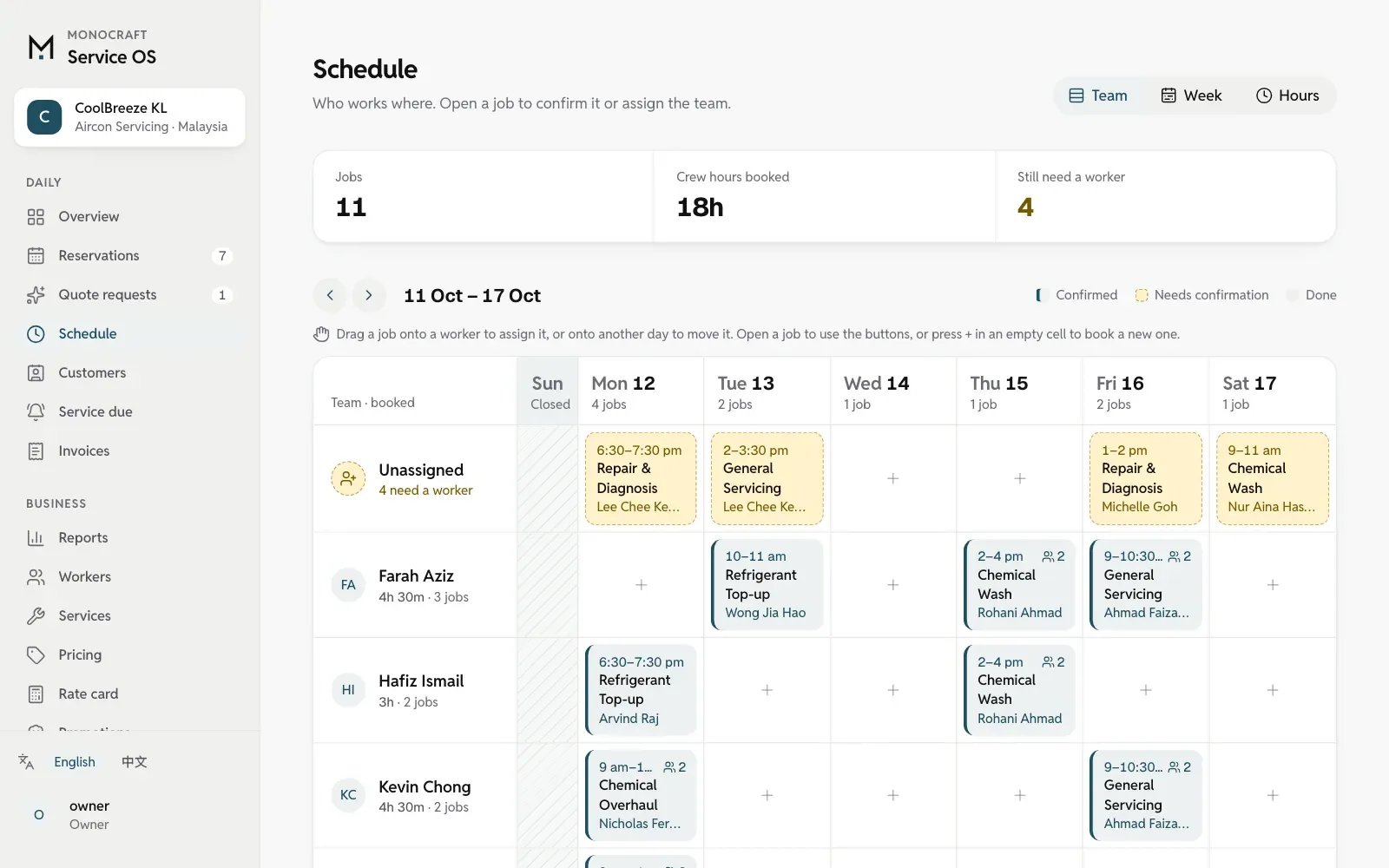
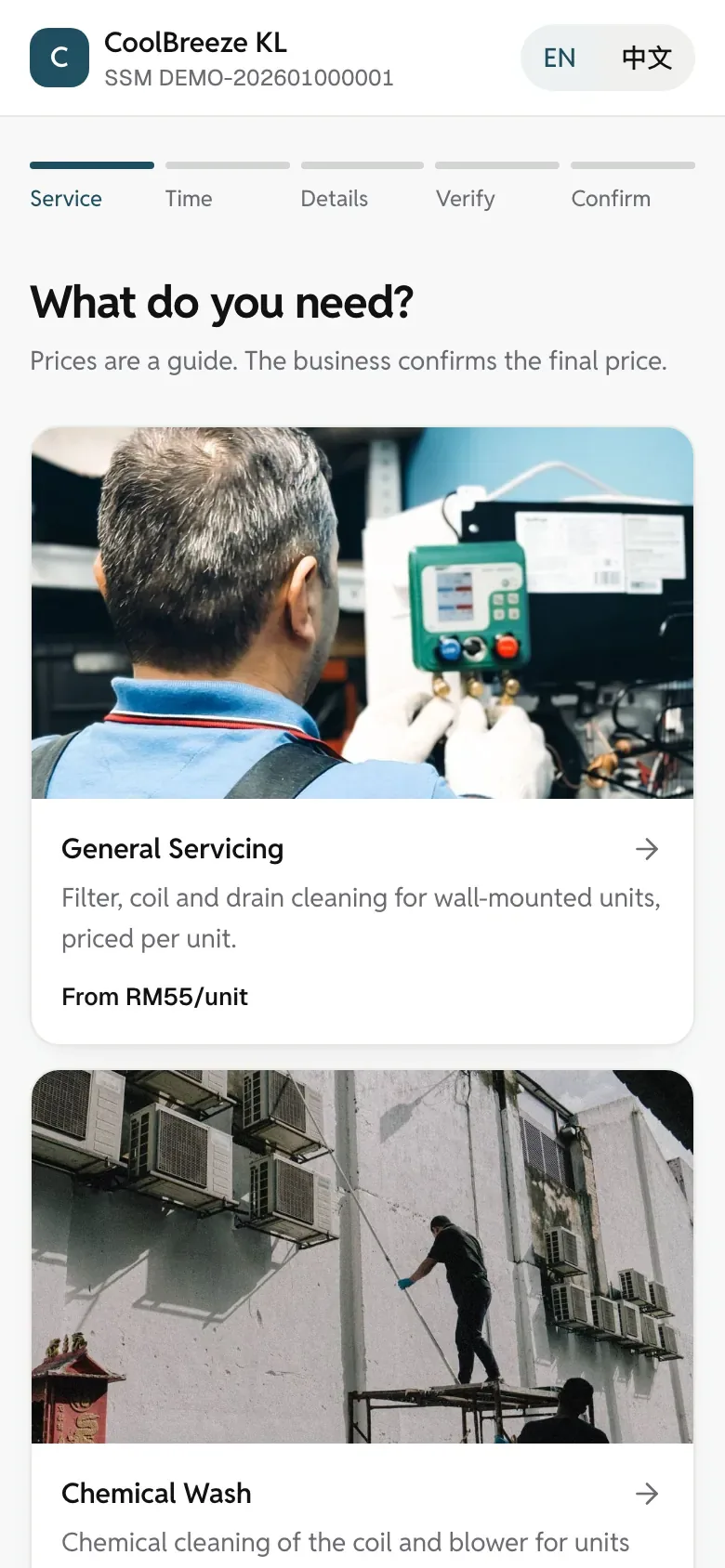
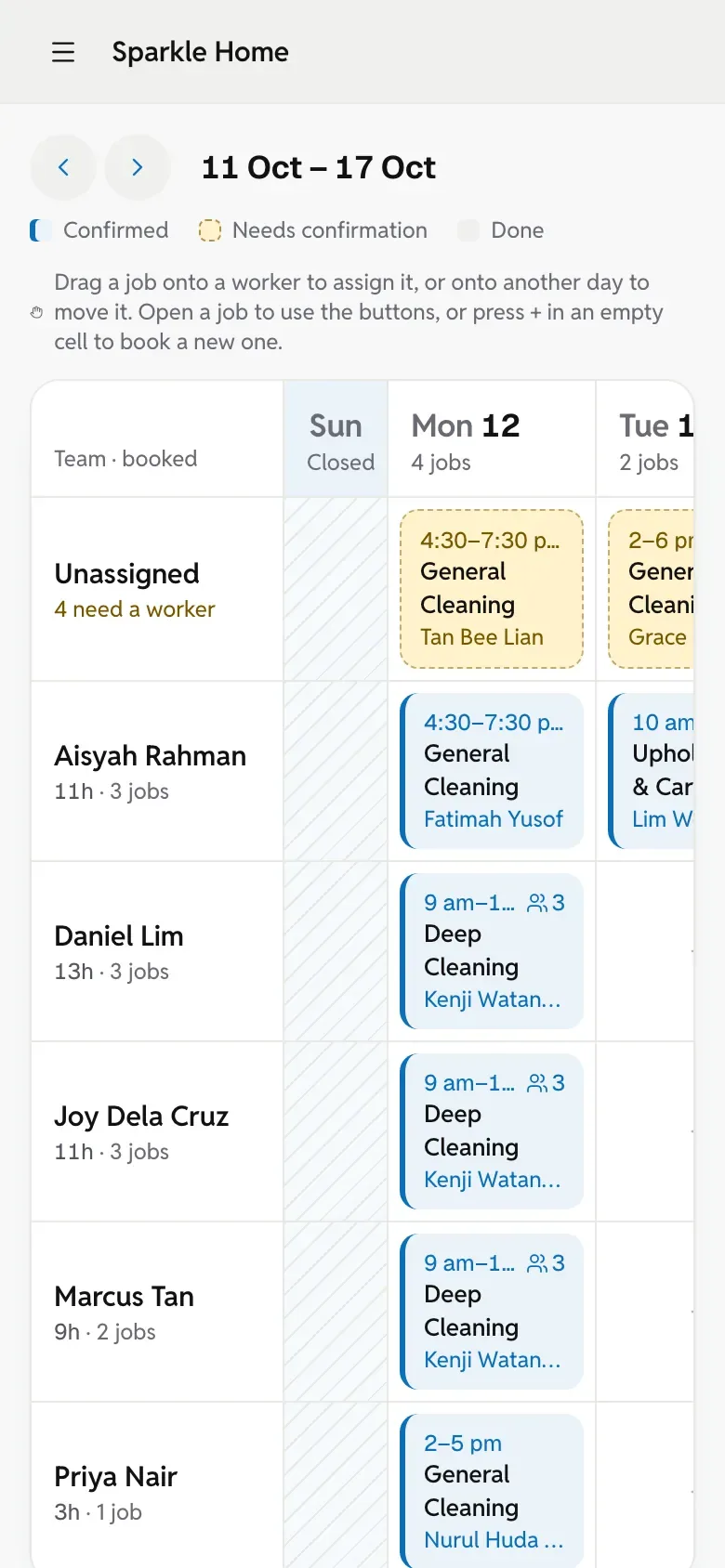
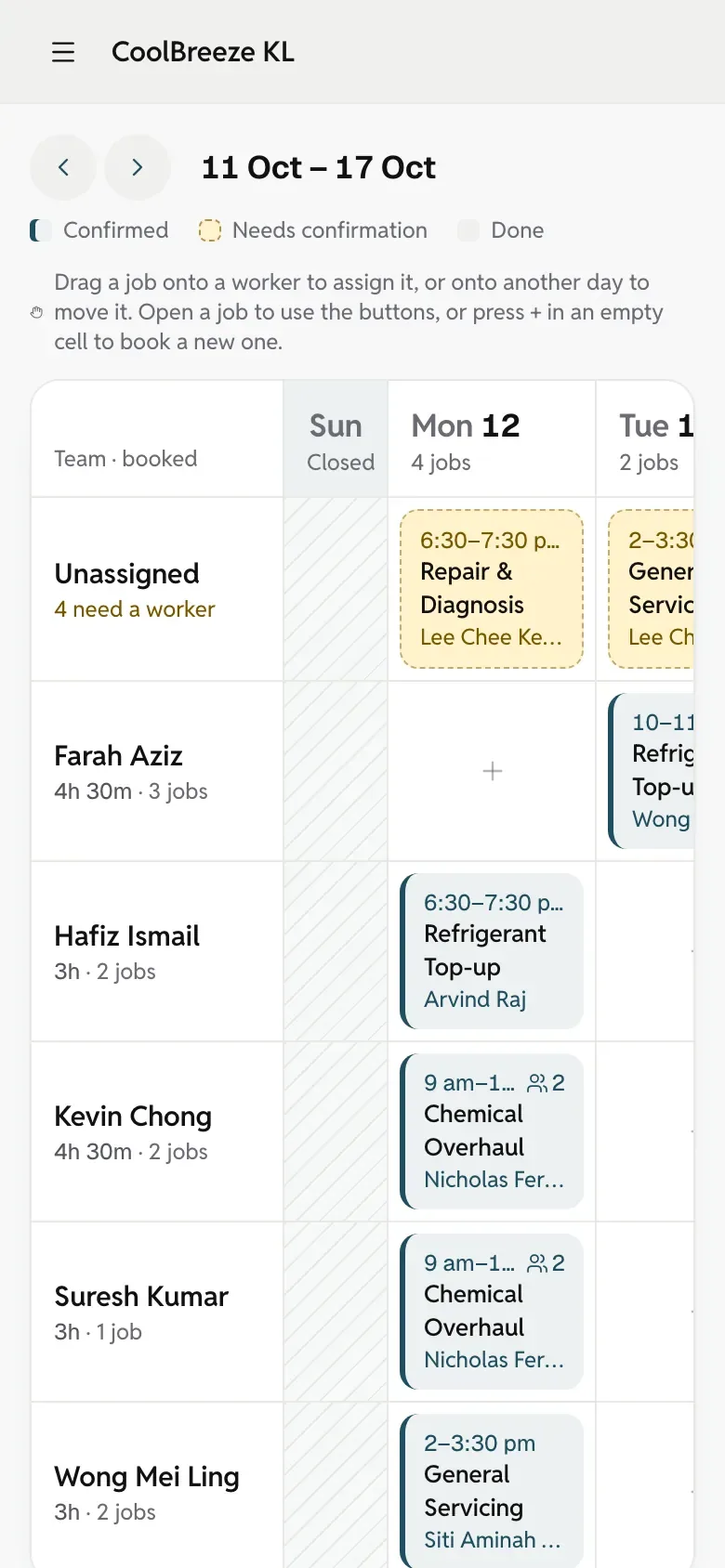
The owner’s schedule on a computer: each worker’s jobs across the day.The booking site on a phone: services with their prices.
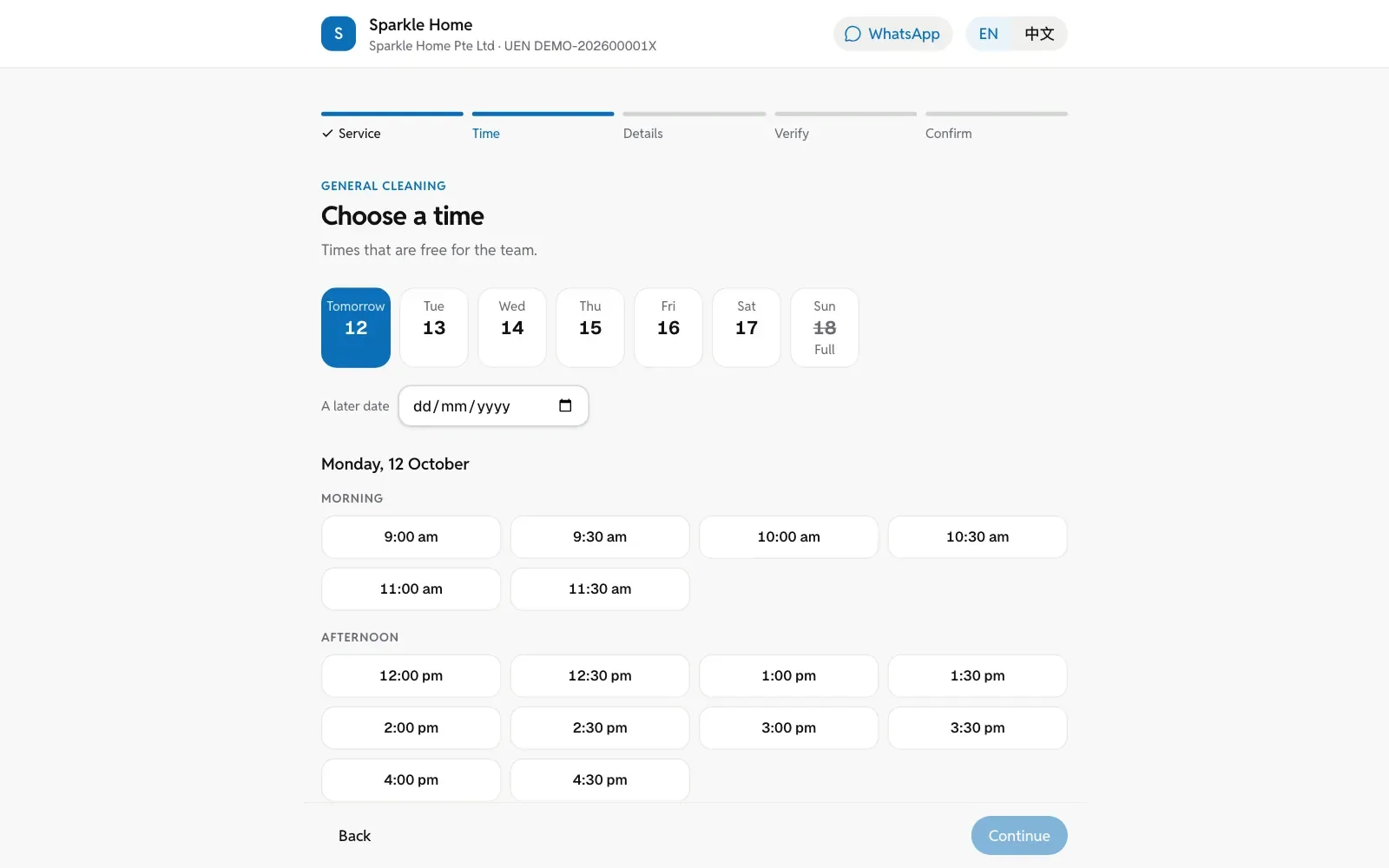
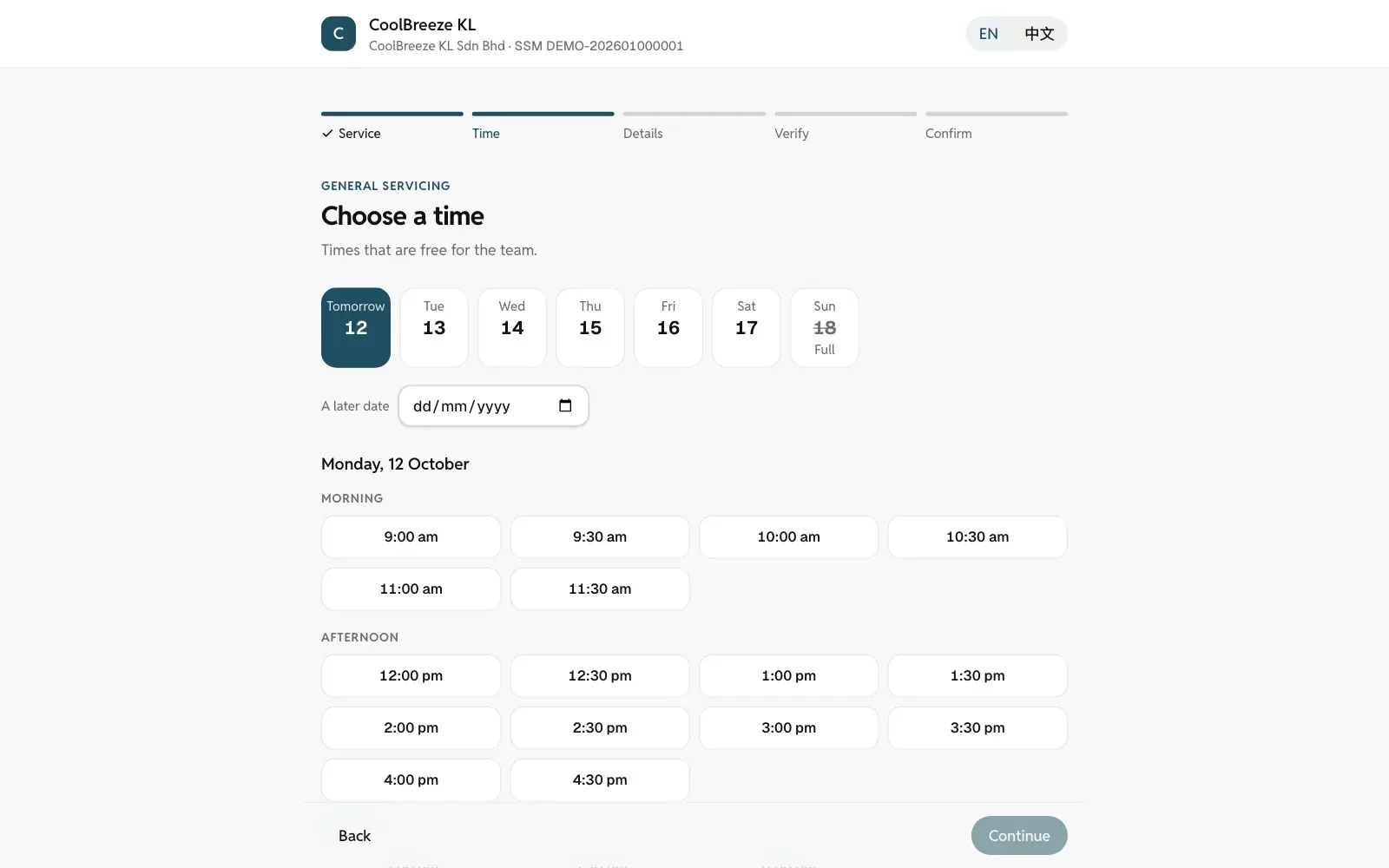
Real screens from a sample business: the owner’s schedule and the customer’s booking site.

How it works today

WhatsApp, a whiteboard and Excel hold up, but something slips every month.

  1. 01

    Last-minute cancellations

    TodayThe customer cancels the night before, and the cleaner’s slot is lost.

    With Service OSTake a deposit when they book; they see your refund rule before they pay.

  2. 02

    The wrong cleaner

    TodayRegular clients want the same cleaner, and memory gets it wrong.

    With Service OSRepeating bookings fill the next eight weeks, with the same cleaner whenever they are free.

  3. 03

    No proof of the work

    TodayThe customer says a spot was missed; it’s their word against your cleaner’s.

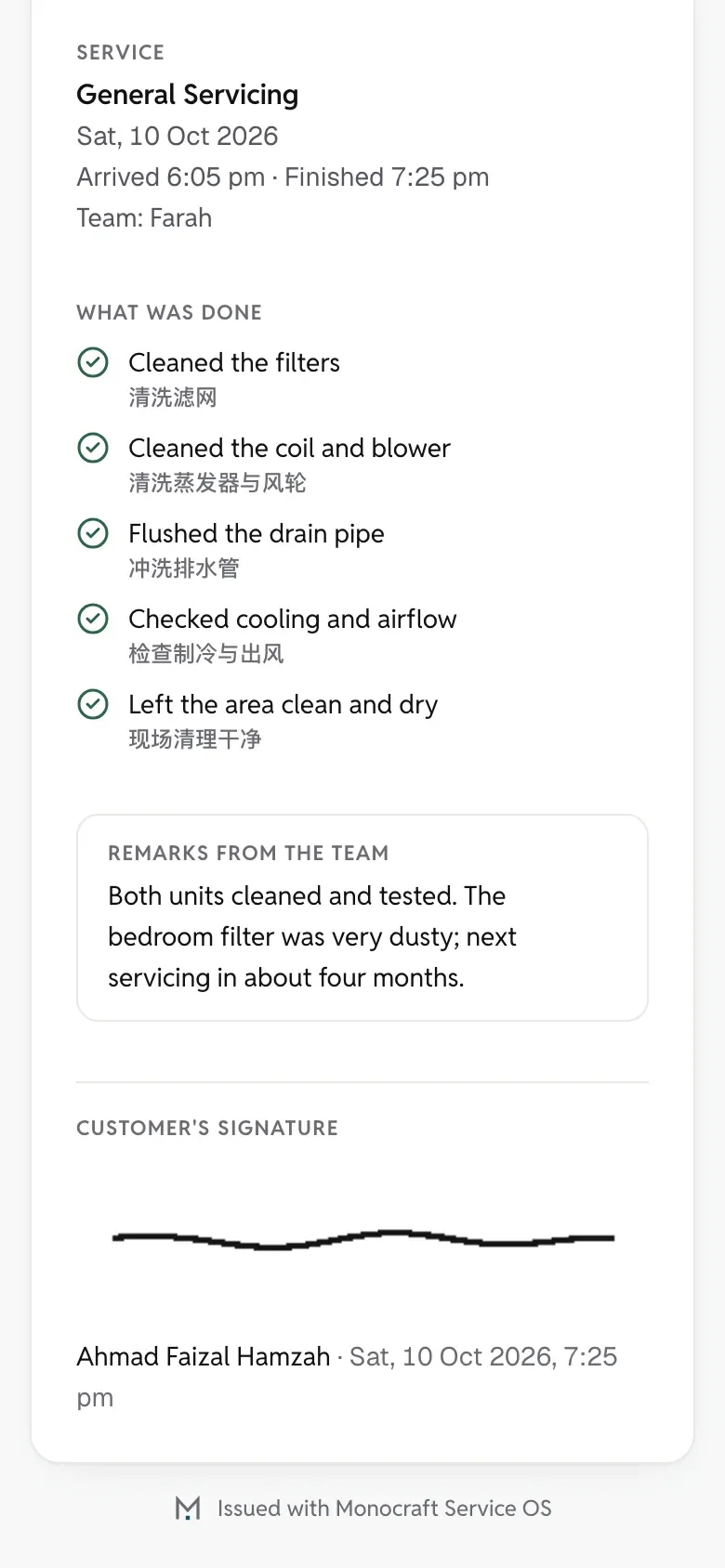
    With Service OSPhotos, a checklist and the customer’s signature, sent as a report.

  1. 01

    Regulars are forgotten

    TodayAircon needs servicing every few months, and finding who is due means scrolling through WhatsApp.

    With Service OSA reminder goes out in your name before it is due, with a link to book.

  2. 02

    Messy routes

    TodayWho goes where sits on a whiteboard; one change means several calls.

    With Service OSEach technician’s day on one board; drag a job to someone else and they are told.

  3. 03

    Missed orders

    TodayA customer asks to book on WhatsApp, and the chat scrolls away.

    With Service OSBook a phone or WhatsApp order for the customer in under a minute.

One job, start to finish

Five steps, from booking to the next booking.

  1. The booking site on a phone: services with their prices.The booking site on a phone: services with their prices.
    01

    Customers book

    Prices and free times on your own web address. Their number is verified with a WhatsApp code at the end.

  2. The owner’s schedule on a phone: the team’s jobs for the day.The owner’s schedule on a phone: the team’s jobs for the day.
    02

    You confirm and assign

    Phone and WhatsApp orders go in too. Only workers who are free are offered.

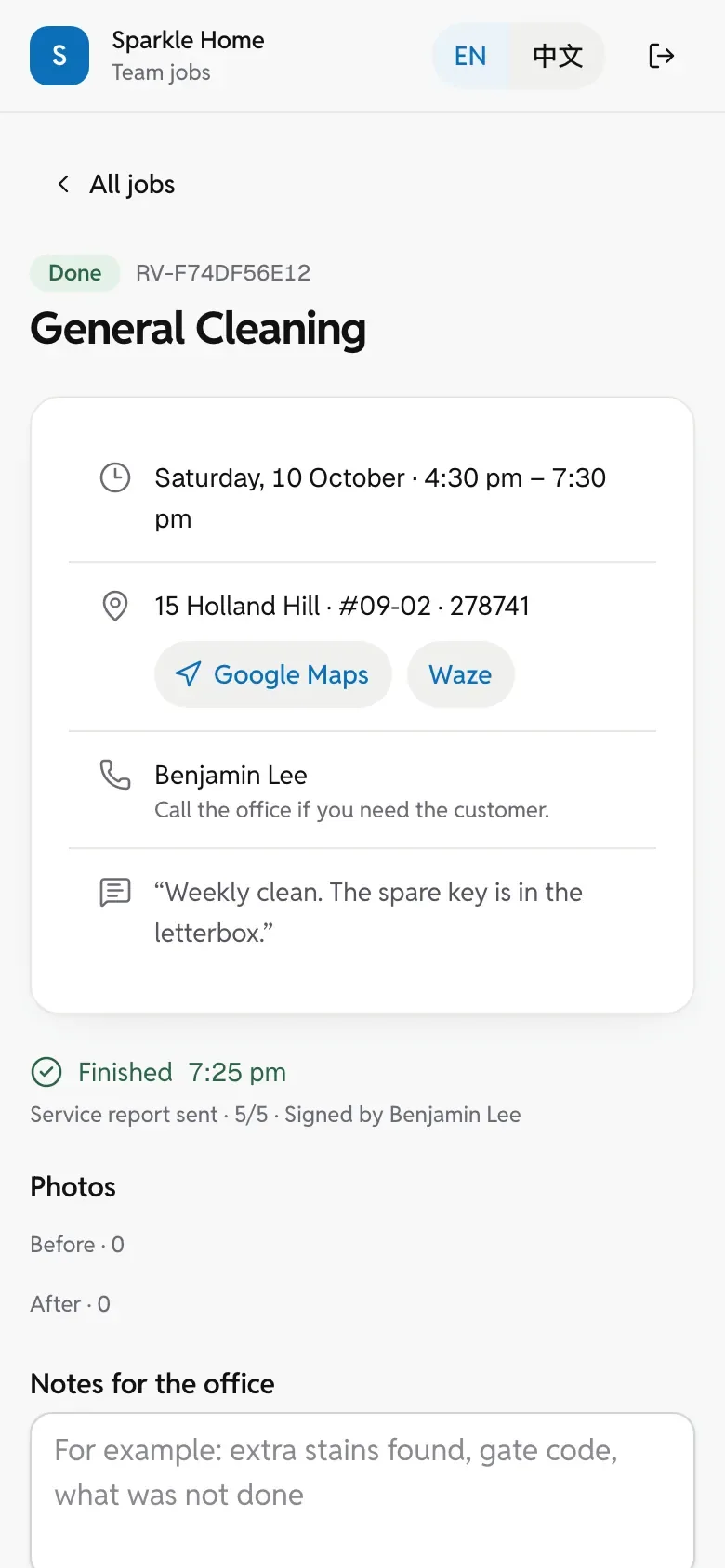
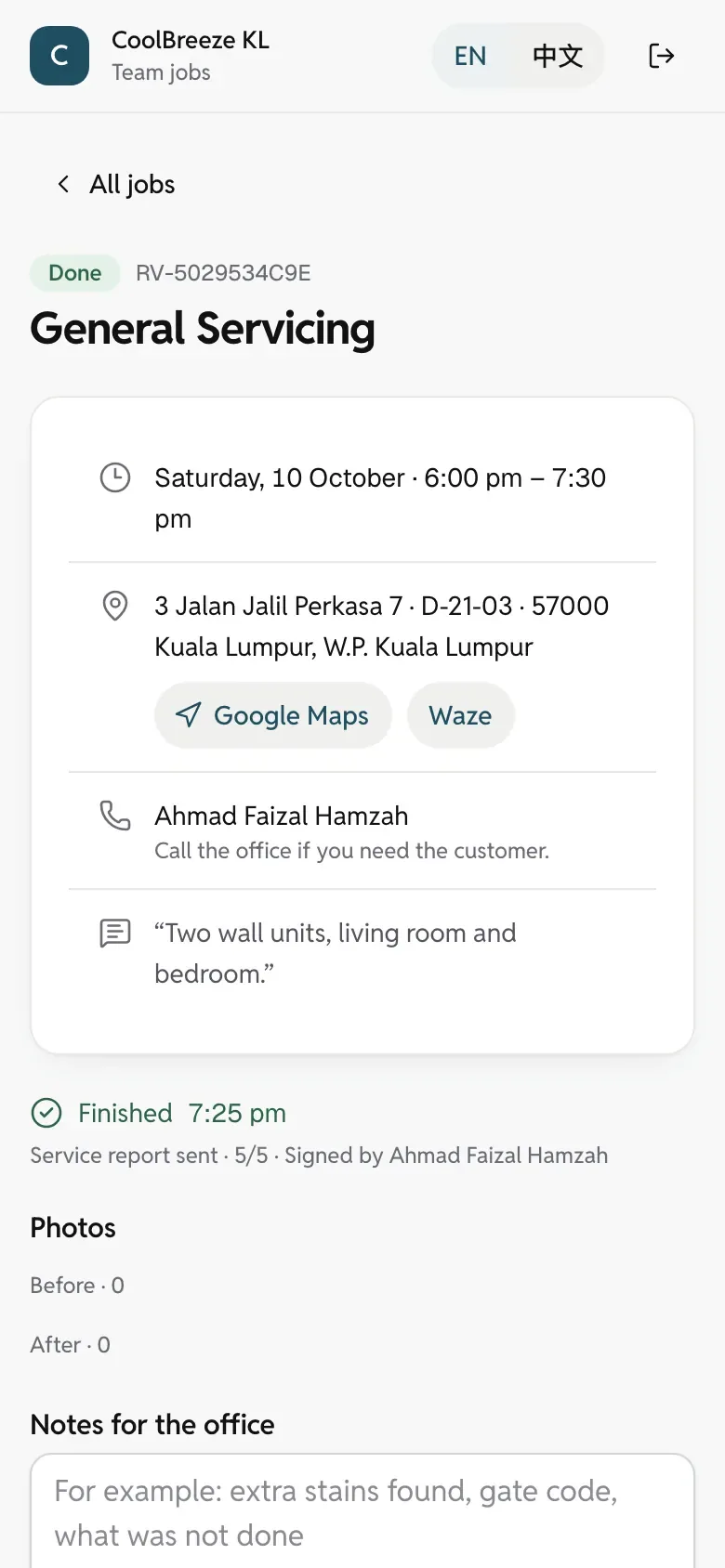
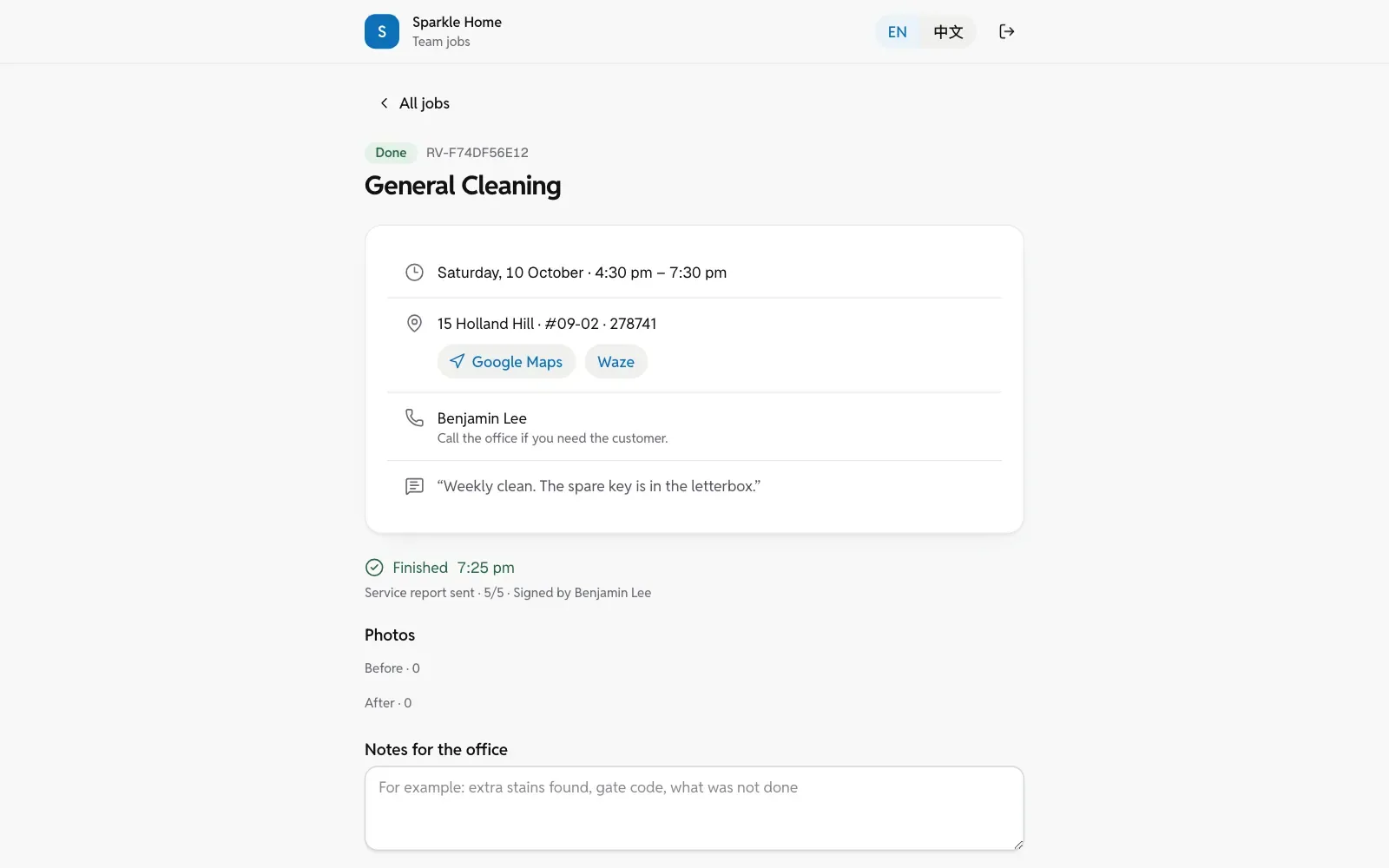
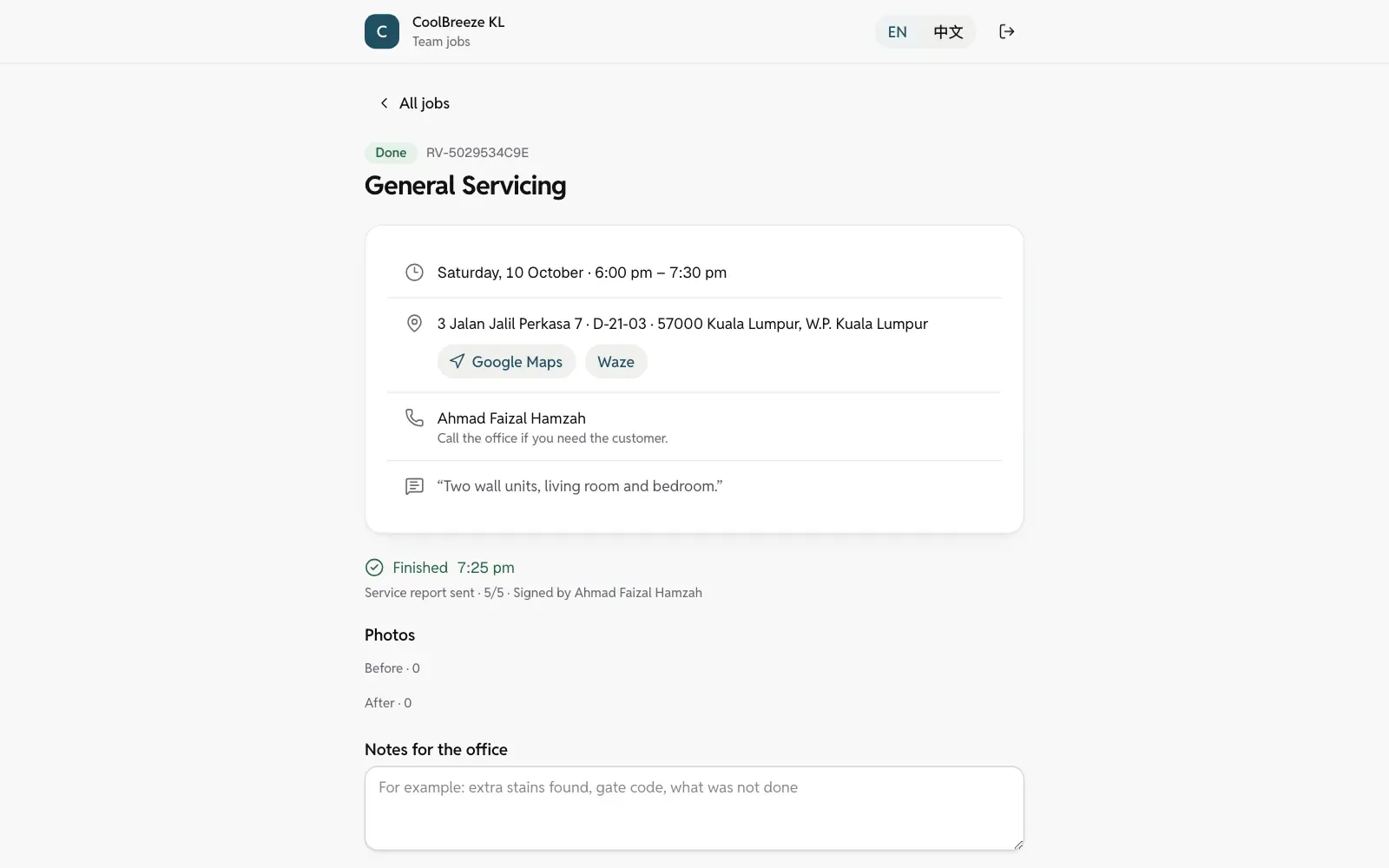
  3. The worker page on a phone: one job with its time, address, directions, the customer’s note and the signed report.The worker page on a phone: one job with its time, address, directions, the customer’s note and the signed report.
    03

    Jobs on their phone

    Where to go, what to do and the customer’s notes, on one page. No app to install.

  4. A finished job’s service report as the customer opens it on a phone.A finished job’s service report as the customer opens it on a phone.
    04

    Done, with a report

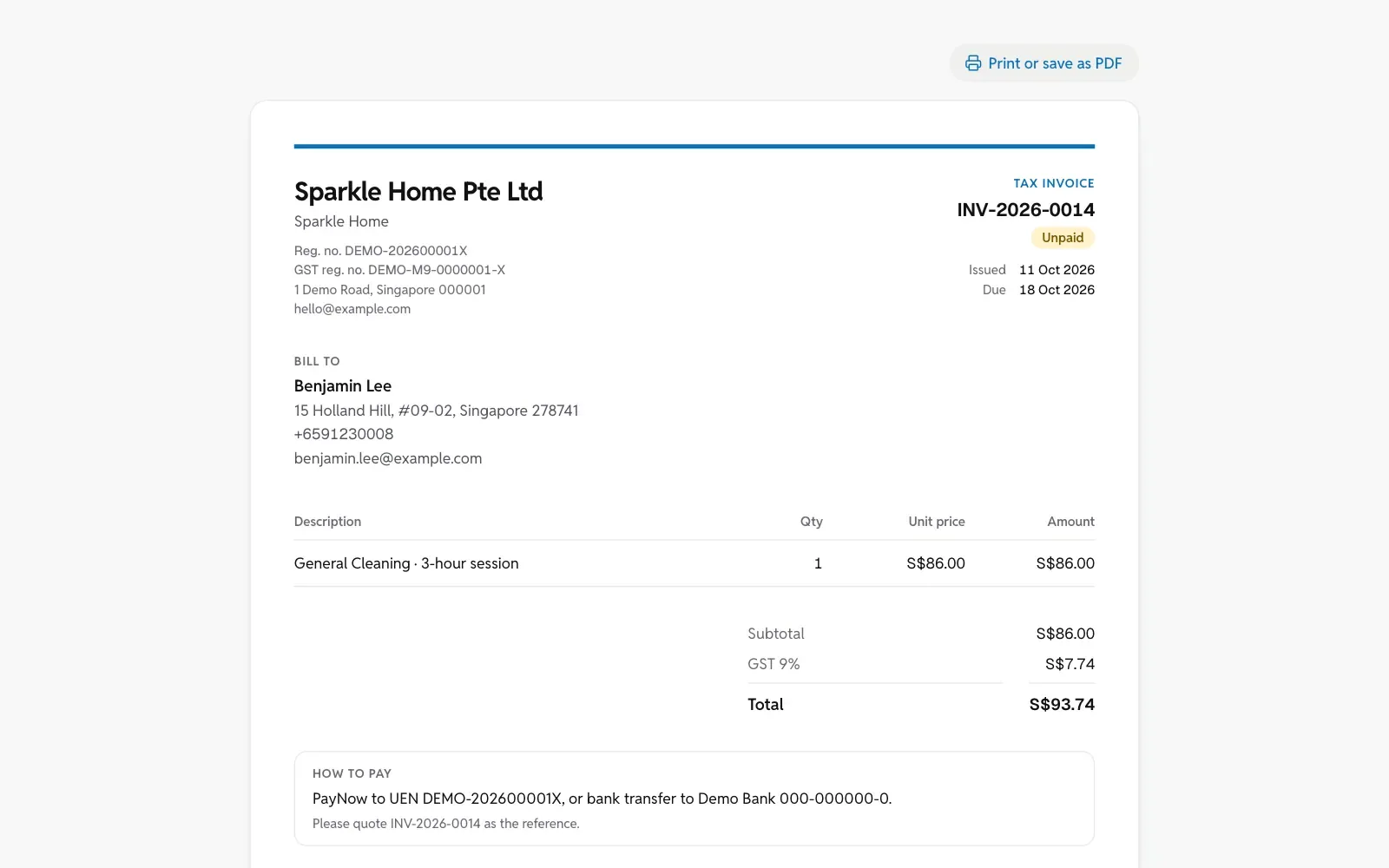
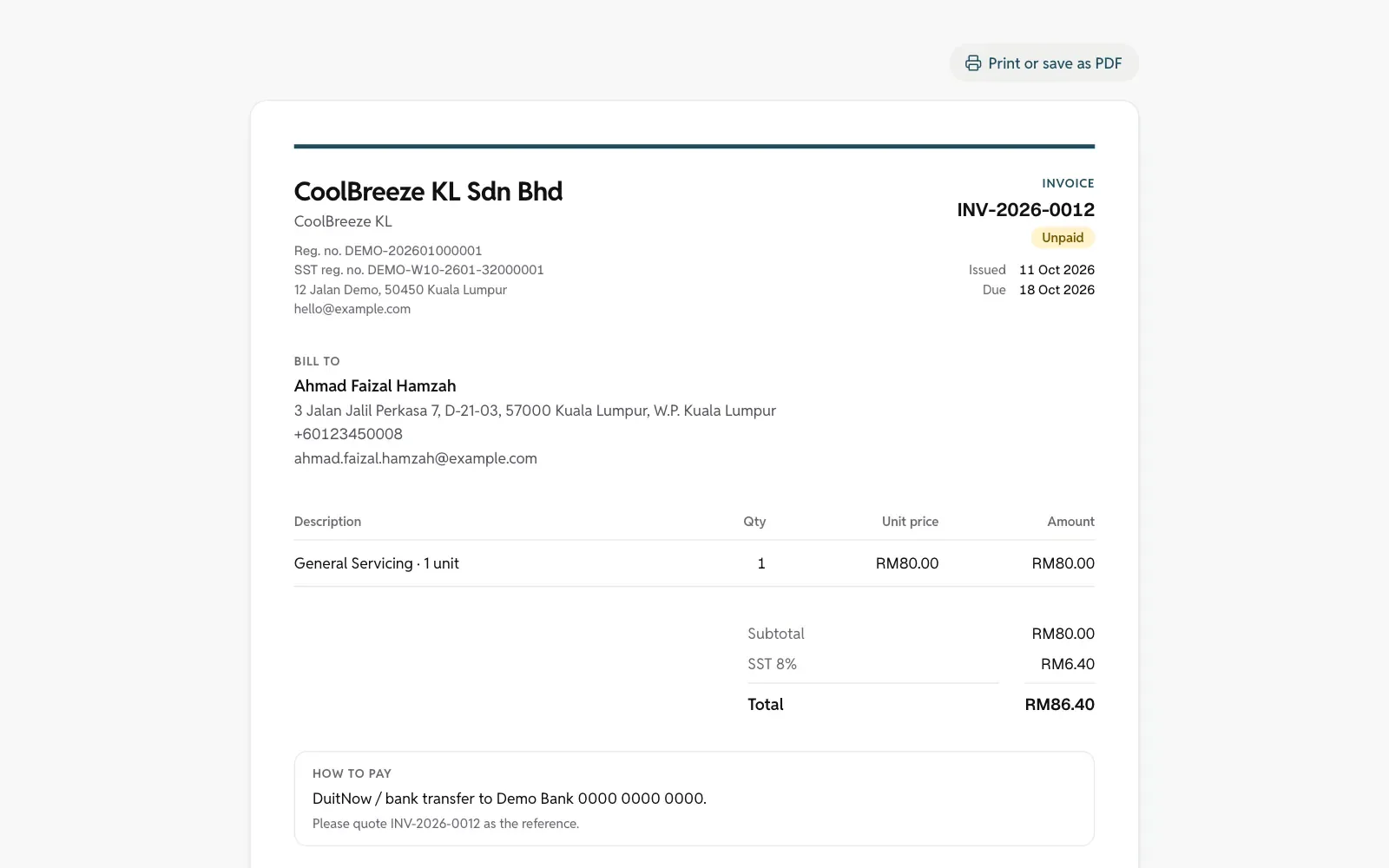
    Photos, checklist and signature become the customer’s report. The invoice is one click away.

  5. The Service due page on a phone: customers due again, each with a WhatsApp button.The Service due page on a phone: customers due again, each with a WhatsApp button.
    05

    Due again

    Reminders by repeating schedule or service interval, and a one-tap WhatsApp to rebook.

On a computer

The same system on a bigger screen.

Paying for itself

Work it out with your own prices.

An example to start with; change it to your price.

Plan
Price

1

jobs a month to pay for it

1 more job a month, or one less last-minute cancellation, covers the RM79 monthly fee.

One less last-minute cancellation, or one more regular client kept, pays for the month.

We don’t quote figures like “30% more revenue” without a source. Once our first clients have results, we will only use real numbers.

Plans

Two plans, both with everything at the core.

Prices in

Lite

Up to 3 workers

RM79S$45 / month

First term, 6 months
RM474S$270
12 months (pay 10)
RM790S$450
Founding price, first 10
RM49S$29 / month
  • Your own .com web address and website
  • Online booking, booking for customers, dispatch
  • Jobs on the team’s phones (web page; Monocraft App coming soon)
  • Due reminders, repeating bookings, service reports
  • Quotations, invoices, receipts
  • Online payments and deposits (your own HitPay)

Every plan starts with a prepaid first term: 6 months, or 12 months for the price of 10. It includes the domain, your website and booking site going live, setup and team training. Monthly after that.

16 or more workers, several branches or a dedicated server: quoted separately.

Prices exclude tax: Monocraft is not registered for SST or GST.

Prices follow the country your company is registered in.

All prices and rules

30-day money-back guarantee

Not happy within 30 days of going live? We refund the first term, keeping only the first month’s fee and the domain fee (RM65). The domain is registered in your name and stays yours. Once per company.

Not happy within 30 days of going live? We refund the first term, keeping only the first month’s fee and the domain fee (S$20). The domain is registered in your name and stays yours. Once per company.

Referral

Know another business owner?

Introduce them. Their first term runs 1 month longer, and you get 1 month’s fee as credit.

How the referral works

Questions

Do I have to stop using WhatsApp?

No. Customers still WhatsApp you. Booking, reminders and confirmations simply take fewer messages, and they go out in your company’s name.

Do customers need to download an app?

No. They book on your web address and confirm their number with a WhatsApp code. Your team opens their jobs in their phone’s browser; the Monocraft App for owners and teams is on its way to the App Store and Google Play.

Is my data safe?

Each company’s data is kept separately, backed up encrypted every day to another place, and restored as a test every month.

Why pay the first term up front?

Setting you up means building your web address, website and training first. To look around before you decide, try the demo; and there is the 30-day refund.

Does my team need a computer?

No. They only use a phone: today’s jobs, directions, photos and the customer’s signature.

Can I cancel any time?

After the first term, yes. You keep the system until the paid term ends, and we hand you a copy of your data within 30 days.

Talk to us

Let’s look at how you work today, then decide.

15 minutes on WhatsApp or a video call. If it’s not a fit, we’ll say so.

Helpful to include: your trade, how many people work for you, and how bookings come in today. support@monocrafttechstudio.com

Contact form

Leave your details and we’ll contact you.

A few lines about your business are enough. We reply by email, or by WhatsApp or phone if you leave a number.

A mobile number, such as 012-345 6789, or + and the country code.

For example, how bookings come in today, or what you’d like to ask.